
IT Services
One Team for the Plant Floor and the Office
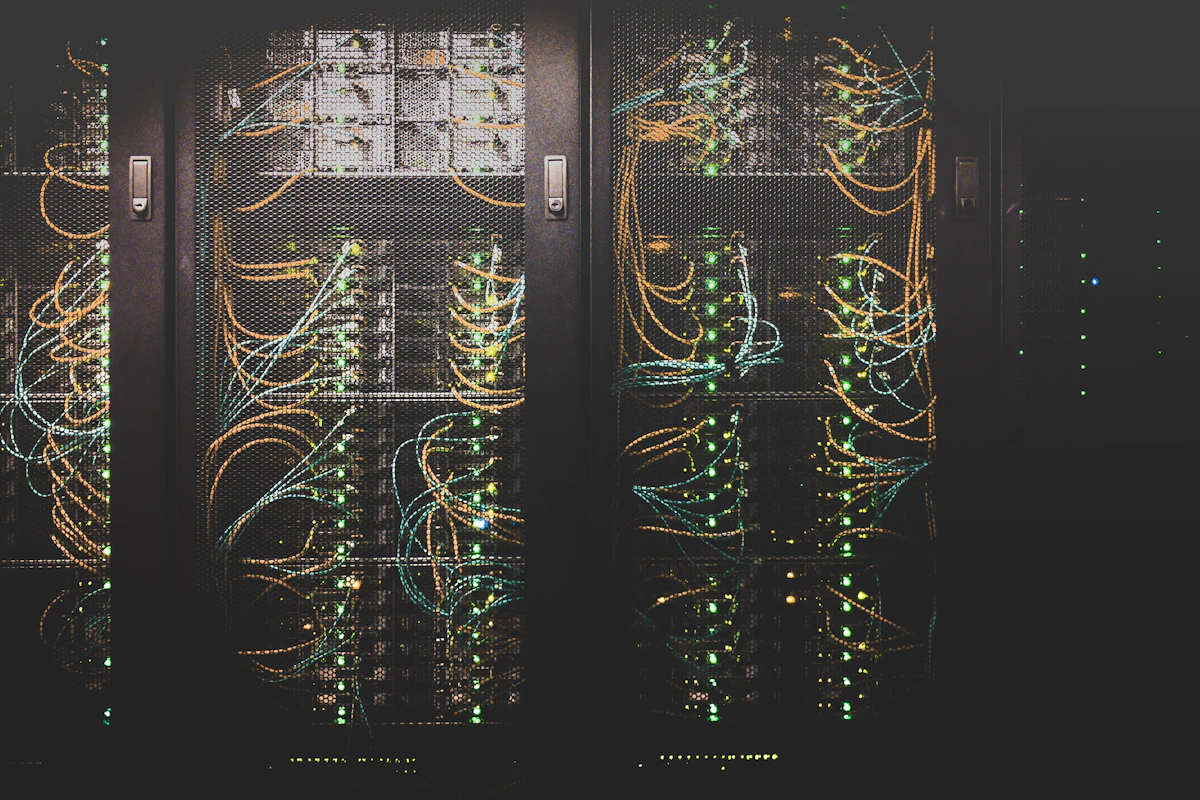
IT in an industrial setting carries a requirement office IT does not: parts of the network are attached to machines that must keep running. Geek Engineering provides managed IT support, infrastructure design, IT/OT network segmentation, backup and recovery, and cloud migration for facilities where a routine patch window can stop production and a disposable-looking workstation may hold the only copy of a line's programming software.
What IT/OT segmentation actually means
A flat network where any device can reach a controller is convenient until it is not. Segmentation separates plant and business zones with defined, monitored paths between them, so a problem that starts on an office laptop cannot travel to a PLC. It is usually the highest-value single piece of work in an industrial IT engagement.
Core services
What IT Services covers
- IT Infrastructure & Technical Support
- Network, Cloud & System Integration
- Cybersecurity & IT/OT Integration
Overview
What to expect from IT Services
IT in an industrial setting carries a requirement office IT does not: parts of the network are attached to machines that must keep running. A patch window that is routine in an office can be a production stoppage on the plant floor, and a workstation that seems disposable may be the only machine holding the programming software and project files for a line. Supporting both environments well means recognizing where the rules differ rather than applying one policy everywhere.
Segmentation between plant and business networks is usually the highest-value piece of that work. A flat network where anything can reach a controller is convenient until it is not, and separating those zones with defined, monitored paths between them limits how far a problem can travel. Alongside it sit the foundations that are unglamorous and decisive: server and network infrastructure sized for what it actually carries, identity and access scoped to roles, endpoint protection, and change control that records what was altered and when. Remote access for vendors and support staff is treated as a deliberate design with defined scope and logging, rather than as whatever tool was convenient during a past commissioning visit.
Backup and recovery deserve the same scrutiny, extended to assets that are easy to overlook — PLC and HMI programs, drive and instrument configurations, engineering workstation images, and license files. A backup is only as good as the last time it was restored, so testing recovery is part of the work rather than an assumption. Cloud migration and modernization are approached the same way: what genuinely benefits from moving, what should stay local because it has to survive an internet outage, and what the dependency between them looks like when the link is down. Scoping an IT engagement is easiest with the current infrastructure and its age, how plant and office networks relate today, what is backed up and when it was last tested, and the compliance obligations that apply.
How we deliver
What every engagement includes
Geek Engineering applies the same delivery discipline across every service. Project-specific outcomes are published only with client permission.
Evidence without the marketing
Client-specific outcomes are shared only with written permission, so this page carries no invented statistics and no anonymous testimonials. What we can walk through in a scheduled technical conversation: sanitized drawings and code structure, representative panel photos, and the exact documentation standard your project would receive.
Request a capability reviewCited sources
Standards and references used in this work
Geek Engineering designs to applicable industry standards and vendor documentation. The following references are commonly used during IT Services engagements, applied as each scope requires. They are references, not certifications held.
- •OWASP guidance — secure web and network application development
- •NIST and recognised cybersecurity frameworks — assessments and hardening
- •Vendor technical manuals — Microsoft 365, Google Workspace, endpoint, and network documentation
- •Cloud platform documentation — AWS, Azure, or GCP deployment guidance
IT Services — Detailed Breakdown
Geek Engineering supports the full information-technology stack alongside the controls and machinery it connects to. Because the same team owns the industrial side, IT decisions are made with production uptime, plant networks, and operational risk in view rather than in isolation from them.
Managed IT & Help Desk
- Day-to-day help desk and end-user support for office and plant staff, with agreed response targets
- Proactive monitoring, patch management, and asset and licence tracking across servers, endpoints, and network gear
- Vendor coordination for internet, telephony, printers, and line-of-business software
IT Infrastructure Projects
- Server, storage, and virtualisation design, buildout, and migration for on-premise and hybrid environments
- Structured cabling, switching, routing, firewall, and wireless design for offices, plants, and warehouses
- Workstation and mobile device standardisation, imaging, rollout, and office moves or expansions
- Microsoft 365 and Google Workspace administration, identity and access management, email and file migration
Cybersecurity
- Security assessments and gap analysis against recognised frameworks, with prioritised remediation plans
- IT/OT network segmentation, firewall policy, and secure remote access for plant equipment and vendors
- Endpoint protection, multi-factor authentication, logging, and hardening of servers and network devices
- Backup, disaster recovery, and business-continuity design with tested restore procedures
Cloud Services
- Cloud readiness assessment, platform selection, and migration planning for workloads and data
- Cloud infrastructure setup, hosting, and cost and performance tuning across public and hybrid deployments
- Cloud backup, replication, and disaster-recovery targets integrated with on-premise systems
- Secure connectivity between cloud services and plant-floor data sources such as historians and MES
IT Services: what is needed, what you receive, and what drives cost
The backup gap in most plants
| Asset | Usually backed up? | Consequence when lost |
|---|---|---|
| Servers and file shares | Yes | Recoverable |
| PLC programs | Often not | Machine cannot be modified or recovered after a processor failure |
| HMI applications | Often not | Operator interface must be rebuilt from scratch |
| Drive and instrument configurations | Rarely | Commissioning parameters lost; line runs differently after a swap |
| Engineering workstation images | Rarely | Programming software and licences unavailable when needed most |
| Software licence files | Rarely | Cannot legally reinstall the tools needed to fix the machine |
A backup is only as good as the last time it was restored, so testing recovery is part of the work rather than an assumption.
Why plant IT cannot be run like office IT
| Dimension | Business IT | Plant OT |
|---|---|---|
| Patching | Automatic and frequent | Validated first, then scheduled into outages |
| Uptime tolerance | A reboot is an inconvenience | An unplanned stop costs production |
| Operating system lifecycle | Replaced every 3–5 years | Often 10–20 years, frequently past vendor support |
| Network | Flat, with addresses assigned automatically | Segmented, statically addressed and deterministic |
| Endpoint protection | Aggressive real-time scanning | Application allowlisting, because scanning can disturb control timing |
| Escalation | A help-desk ticket | An engineer who understands the process the machine runs |
What drives cost and timeline
- Current network topology — flat networks cost more to segment than partially segmented ones.
- Age and diversity of infrastructure.
- Compliance obligations that apply to the site.
- How much can be changed during production versus requiring an outage.
Where this is not the right fit
Geek Engineering provides IT engineering and managed support. It does not perform licensed electrical installation, and where structured cabling, licensed trades or permitted work is required that scope is identified and assigned to an appropriately qualified party.
Last reviewed by Geek Engineering senior engineering review.
Buyer questions
Frequently Asked Questions
Do you support plant networks as well as office IT?
Yes, and the two are treated differently on purpose. A patch window that is routine in an office can stop production on the plant floor, and a workstation that looks disposable may hold the only copy of the programming software and project files for a line. Applying one policy everywhere is what causes trouble.
Why is separating the plant and business networks worth doing?
A flat network where anything can reach a controller is convenient until something goes wrong, at which point there is nothing limiting how far the problem travels. Segmenting those zones with defined, monitored paths between them contains the blast radius while keeping the access that operations genuinely needs.
What should be backed up besides servers and files?
The assets that are easiest to overlook and hardest to recreate: PLC and HMI programs, drive and instrument configurations, engineering workstation images, and license files. A backup is only as good as the last time it was restored, so testing recovery is treated as part of the work rather than assumed.
Should we move our systems to the cloud?
Partly, usually. The useful questions are what genuinely benefits from moving, what should stay local because it has to survive an internet outage, and what the dependency between them looks like when the link is down. That analysis comes before any migration plan.
Can you support plant systems and office IT with one team?
Yes, and it is usually better than splitting them, because most industrial incidents happen at the boundary between the two. What matters is recognising where the rules differ: a patch window that is routine in an office can be a production stoppage on the floor, so change control on plant-attached systems follows the production schedule rather than the IT calendar.
How do we give vendors remote access without opening the plant network?
By designing the access rather than inheriting it. Remote access for vendors and support staff should have a defined scope, a defined duration, identifiable accounts, and logging — instead of persisting as whatever tool was convenient during a past commissioning visit. Undocumented vendor access is one of the most common findings in an industrial network assessment.
What should move to the cloud, and what should not?
Anything the plant depends on minute to minute should stay local so it survives an internet outage; reporting, analytics, cross-site aggregation and business systems are usually better hosted centrally. The important part is designing the dependency between the two explicitly, so behaviour during a link failure is known before it happens rather than discovered during it.
Talk to an Engineer About IT Services
Send your schematics, code, or the problem in plain words. A senior engineer reviews it and responds with questions, a proposed approach, and the next concrete step.